Eye Ball Modeling Shading
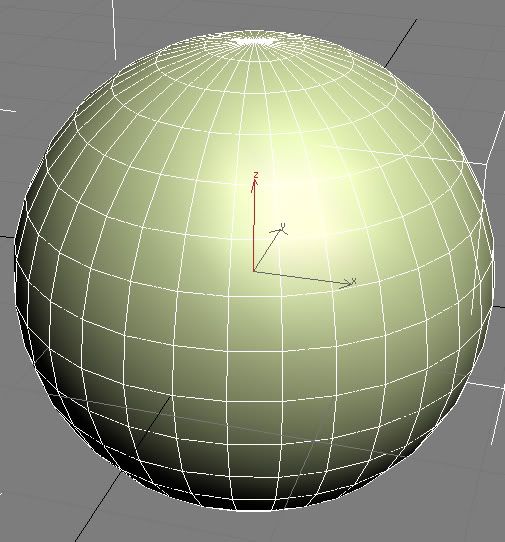
Make a Sphere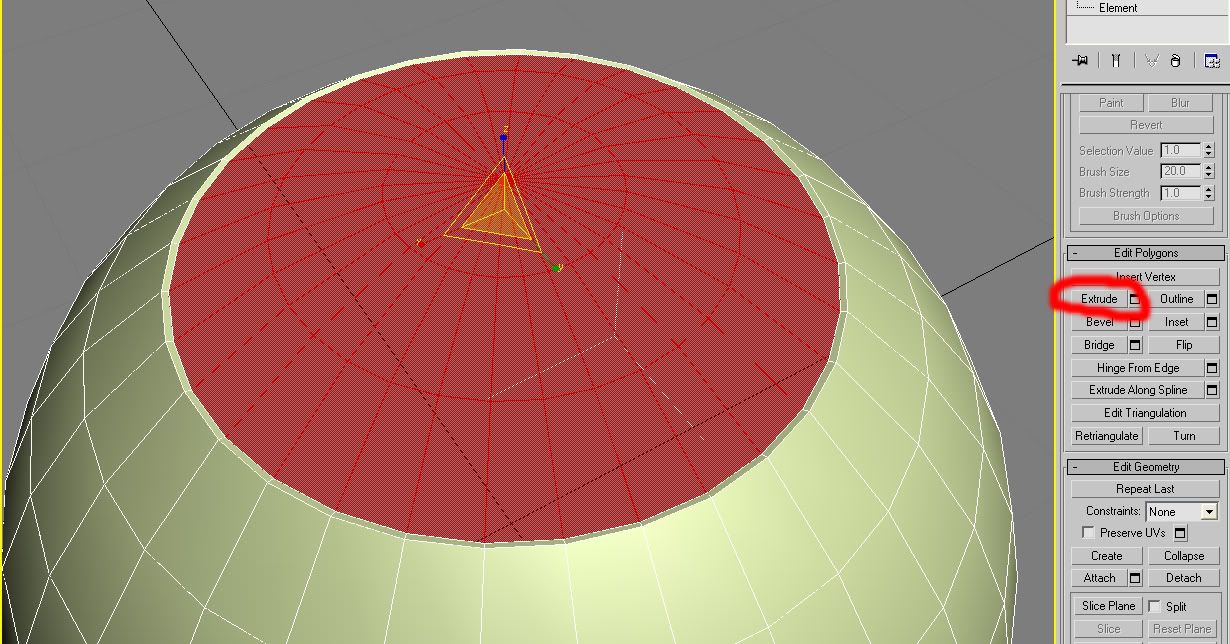
Circle Select the Top Polygons and then Extrude the polygons down slightly then scale them.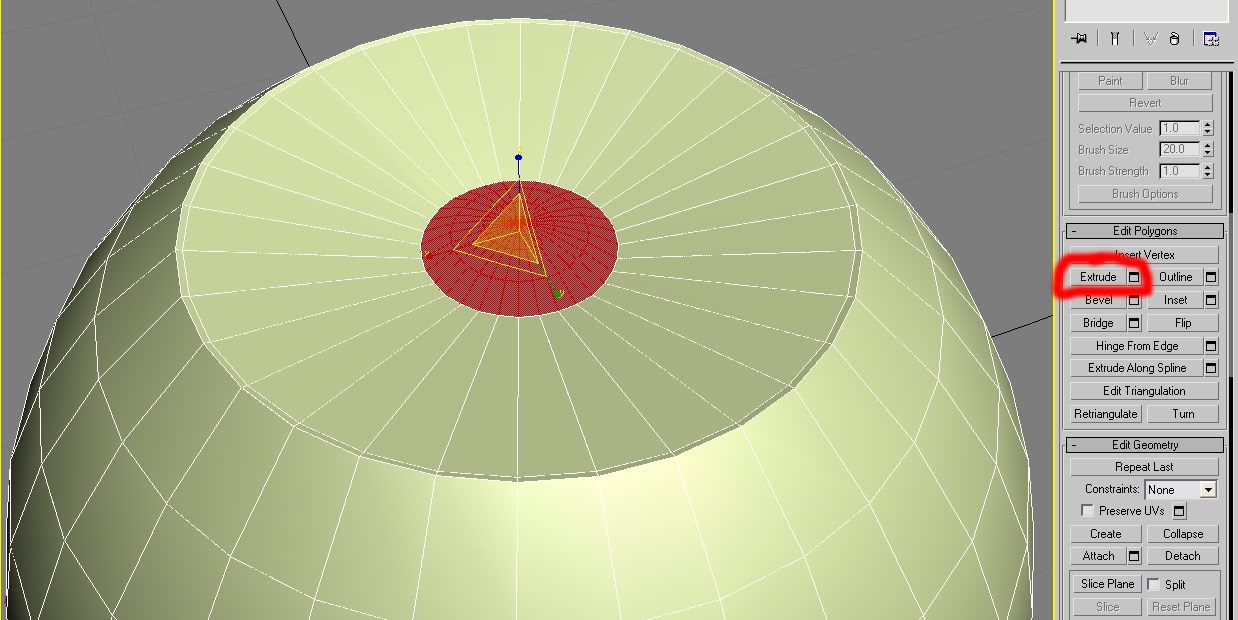
then Extrude the polygons down then scale them.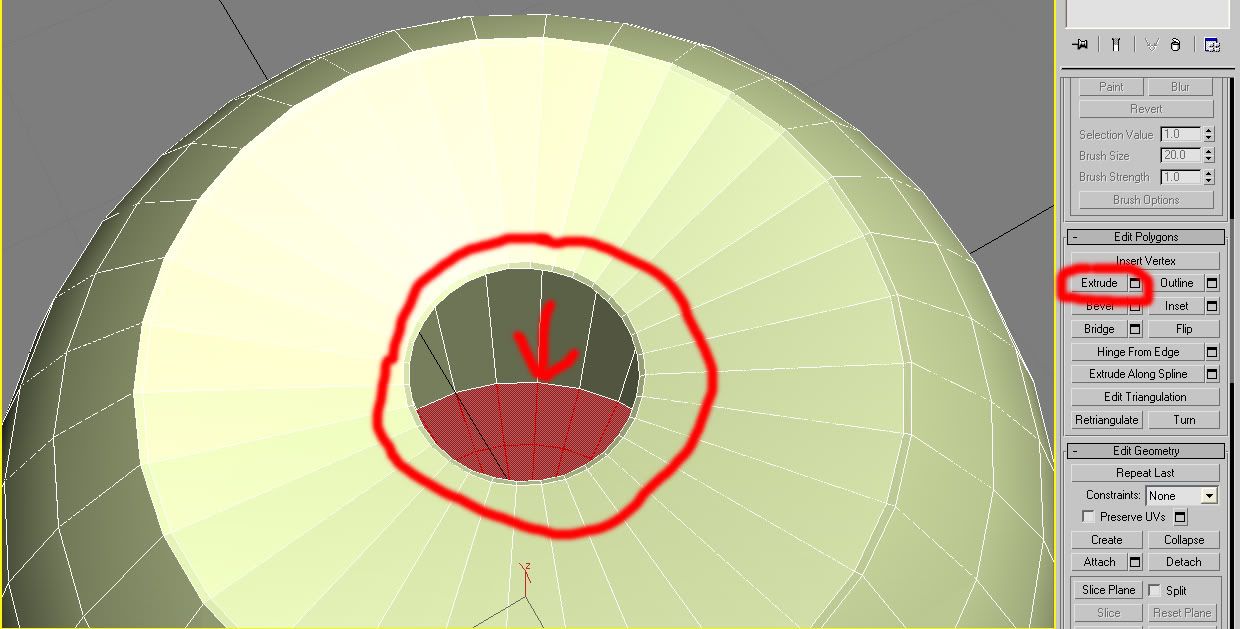
then Extrude the polygons down slightly then scale them. Then Extrude the polygons down then scale them out then translate. Then Extrude the polygons down then scale them down 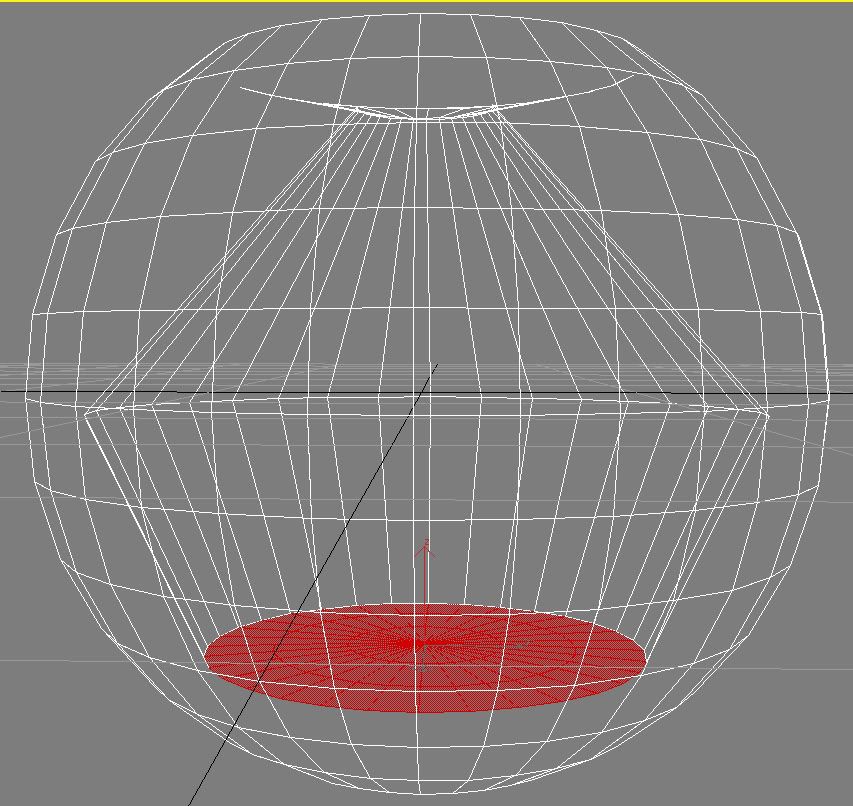
side view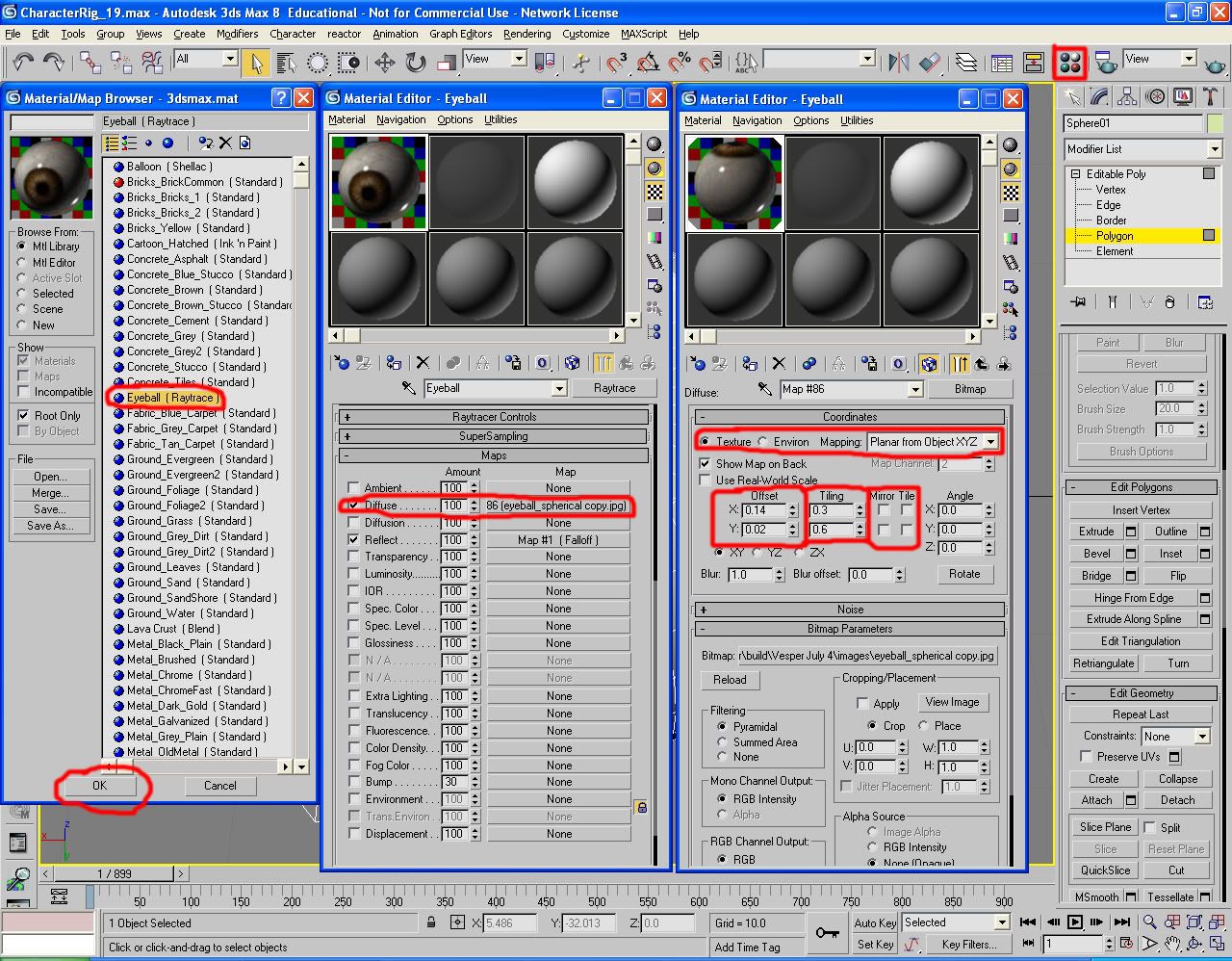
click the map button or hit m button. Select the eye ball material then edit the image uvs. Adjust the UVs.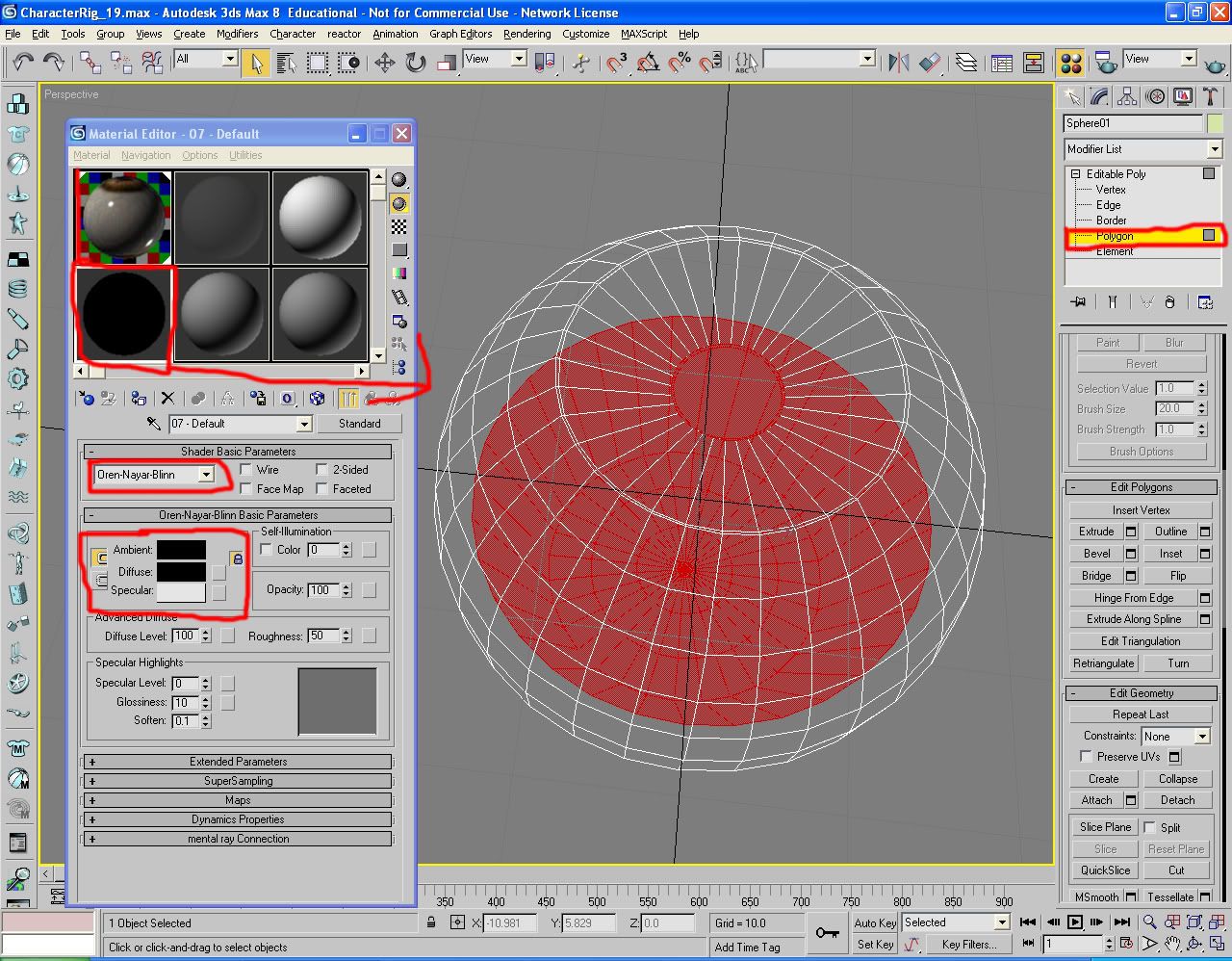
Create a solid black material with Oren Nayar Blinn assign it to the inner ploygons in the edit tab and by selecting them and then dragging and dropping the shader on it. Then assign the eye shader to the whole sphere. 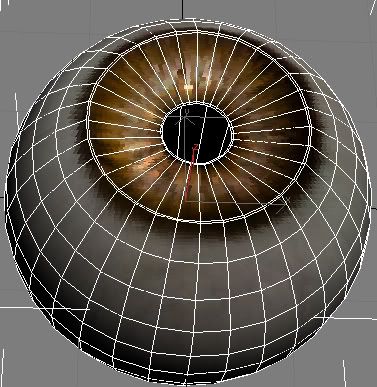
posted by Nate at 5:18 PM


0 Comments:
Post a Comment
<< Home